What Is a Firewall? Simple Explanation for Beginners
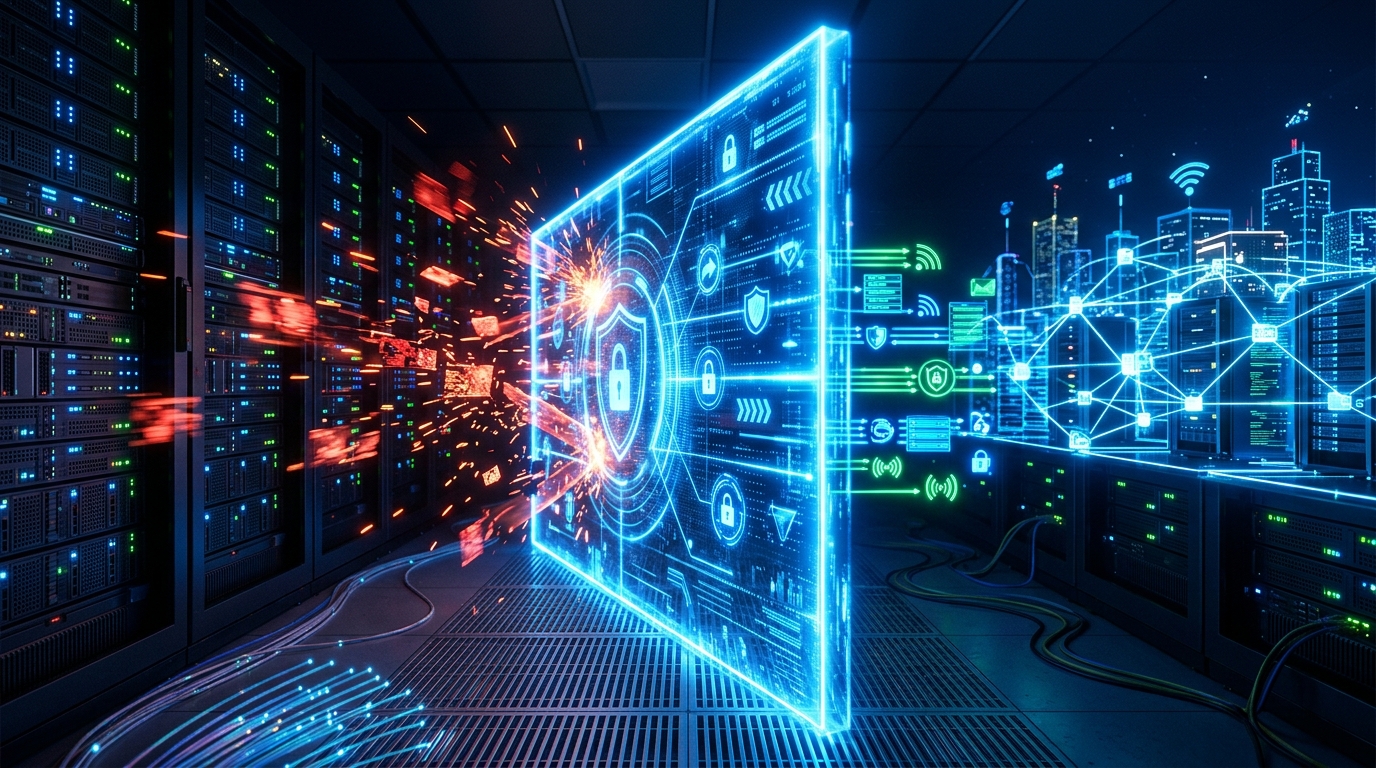
Think of a firewall as a security guard for your computer or network. It checks every piece of data trying to enter or leave, blocking anything that looks suspicious. Without one, your devices are like a house with unlocked doors, inviting in hackers, malware, and other online threats.
Firewalls have been around since the late 1980s. The first ones were simple packet filters, but today they’re sophisticated systems that can inspect traffic in real time. In fact, a 2023 report from Cybersecurity Ventures found that cybercrime damages will hit $10.5 trillion annually by 2025, making firewalls more critical than ever.
How Does a Firewall Work?
At its core, a firewall acts as a barrier between your trusted internal network and the untrusted internet. It examines data packets, small chunks of information that travel across networks, and decides whether to allow or block them based on a set of rules.
These rules can be based on IP addresses, port numbers, or even the content of the data itself. For example, a firewall might allow traffic to a web server on port 80 but block it on port 22, which is used for remote access. In practice, this means you can browse websites but prevent outsiders from logging into your system.
Packet Filtering: The Basics
The simplest firewalls use packet filtering. They look at each packet’s header, which contains information like the source and destination IP addresses, and compare it to a list of rules. If a packet matches a rule that says “block,” it’s dropped. This method is fast but doesn’t inspect the payload, so it can’t catch malware hidden in legitimate-looking traffic.
Stateful Inspection: Keeping Track
Stateful firewalls go a step further. They remember active connections and only allow packets that are part of an established session. For instance, if you request a webpage, the firewall notes that your computer initiated the connection and allows the response back in. But if an unknown source tries to send data without a prior request, it’s blocked. This prevents many common attacks, like unsolicited incoming connections.
Next-Generation Firewalls: Deep Inspection
Next-generation firewalls (NGFWs) combine stateful inspection with deep packet inspection (DPI). DPI looks inside the data payload to identify threats like viruses or intrusion attempts. NGFWs also often include intrusion prevention systems (IPS), application awareness, and SSL decryption. According to a 2022 Gartner report, by 2025, 90% of new enterprise firewall purchases will be NGFWs, up from 50% in 2020. That’s because they offer better protection against modern, sophisticated attacks.
Types of Firewalls
Firewalls come in various forms, each suited to different needs. Here are the main types:
- Packet Filtering Firewalls: The oldest and simplest. They check packet headers against rules. Fast but limited.
- Stateful Inspection Firewalls: Track active connections and make decisions based on context. More secure than packet filtering.
- Proxy Firewalls: Act as intermediaries, making requests on behalf of users. They hide your internal network but can slow things down.
- Next-Generation Firewalls (NGFW): Combine traditional methods with advanced features like DPI, IPS, and application control.
- Cloud Firewalls: Delivered as a service, these protect cloud infrastructure and remote workers. They’re scalable and easy to manage.
- Hardware vs. Software Firewalls: Hardware firewalls are physical devices that protect entire networks, while software firewalls are programs installed on individual devices.
Choosing the right type depends on your situation. A small business might use a hardware firewall at the network edge, while a remote worker might rely on software like Windows Defender Firewall.
Why You Need a Firewall
You might think your router’s built-in firewall is enough, but it’s not. Cyberattacks are relentless. A 2023 study by the University of Maryland found that hackers attack computers every 39 seconds. Without a firewall, your devices are vulnerable to:
- Malware infections: Firewalls block malicious traffic that could install ransomware or spyware.
- Hacking attempts: They prevent unauthorized access to your system.
- Data breaches: By controlling outbound traffic, firewalls can stop sensitive data from being sent to attackers.
- Denial-of-Service (DoS) attacks: Some firewalls can detect and mitigate floods of traffic that aim to crash your network.
In practice, a firewall is your first line of defense. It’s not a silver bullet, but it’s a critical layer in a multi-layered security strategy.
How to Set Up a Firewall
Setting up a firewall depends on the type. For home users, your router likely has a basic firewall enabled by default. You can check its settings by logging into your router’s admin panel. For software firewalls, like the one in Windows 10 or 11, go to Settings > Update & Security > Windows Security > Firewall & network protection. Make sure it’s turned on for all networks.
For businesses, configuring a hardware firewall or NGFW requires planning. You’ll need to define rules based on your network’s needs. A common mistake is to set overly permissive rules, like allowing all traffic from a certain IP range. That’s like leaving your front door open because you recognize the mail carrier. Instead, follow the principle of least privilege: only allow what’s necessary.
Regularly review your firewall logs. They show blocked connections and can reveal attempted attacks. For example, if you see repeated attempts to access port 3389 (used for Remote Desktop), that’s a red flag. You might want to block that port entirely if you don’t use it.
Common Firewall Myths
There are several misconceptions about firewalls. Let’s debunk a few.
Myth 1: Firewalls Slow Down Your Internet
Modern firewalls have minimal impact on speed. Hardware firewalls, in particular, are designed for high throughput. A 2021 test by Tom’s Hardware found that even NGFWs can handle gigabit speeds without noticeable lag. If you’re experiencing slowdowns, it’s likely due to other factors, like a poor connection or malware.
Myth 2: Antivirus Software Makes Firewalls Redundant
Antivirus and firewalls serve different purposes. Antivirus scans files for known threats, while firewalls control network traffic. They complement each other. For instance, a firewall might block a malicious download, but if it slips through, antivirus can catch it. You need both.
Myth 3: Firewalls Are Only for Big Companies
Everyone needs a firewall, from home users to multinational corporations. The scale differs, but the principle is the same. In fact, small businesses are often targeted because they have weaker defenses. A 2022 report by Verizon found that 43% of cyberattacks target small businesses. A firewall is a cheap insurance policy.
The Future of Firewalls
Firewalls are evolving. With the rise of cloud computing and remote work, traditional perimeter-based firewalls are less effective. That’s why cloud firewalls and zero-trust architectures are gaining traction. Zero trust assumes no one is trustworthy by default, even inside the network. Firewalls play a key role by enforcing micro-segmentation, where each application or user is isolated.
Artificial intelligence is also making firewalls smarter. AI-powered firewalls can learn normal traffic patterns and detect anomalies. For example, if a user suddenly downloads 10GB of data at 3 AM, the firewall might flag it as suspicious. According to a 2023 report by MarketsandMarkets, the AI in cybersecurity market is expected to grow from $22.4 billion in 2023 to $60.6 billion by 2028. Firewalls are a big part of that.
Conclusion
A firewall is your digital bodyguard. It filters out bad traffic and lets good traffic through. Whether you’re a home user or a network administrator, understanding how firewalls work helps you stay safer online. Don’t rely on default settings alone. Take time to configure and monitor your firewall. It’s one of the simplest yet most effective ways to protect your data.
Q: Do I need a firewall if I have antivirus software?
Yes, you need both. Antivirus scans files for known threats, while a firewall controls network traffic. They cover different attack vectors. For example, a firewall can block a hacker from remotely accessing your computer, but it won’t remove malware already on your system. Antivirus can catch that malware, but it won’t stop the initial intrusion. Together, they provide layered security.
Q: Will a firewall slow down my internet speed?
Modern firewalls have minimal impact on speed. Hardware firewalls are built for high throughput, and even next-generation firewalls can handle gigabit connections without noticeable lag. If you experience slowdowns, it’s usually due to other factors like a poor Wi-Fi signal or background downloads. In most cases, the security benefits far outweigh any slight performance cost.
Q: What’s the difference between a hardware and software firewall?
A hardware firewall is a physical device that sits between your network and the internet, protecting all connected devices. A software firewall is a program installed on individual computers, like Windows Defender Firewall. Hardware firewalls are ideal for entire networks, while software firewalls are good for individual devices, especially when you’re on public Wi-Fi. Many people use both for extra protection.
Q: Can a firewall stop all cyberattacks?
No, no single tool can stop all attacks. Firewalls are a critical layer, but they can’t catch everything, like phishing emails that trick you into revealing passwords. That’s why you need a multi-layered approach: firewalls, antivirus, strong passwords, and regular updates. A firewall reduces your risk significantly, but it’s not a complete solution.
Q: How often should I review my firewall rules?
Review your firewall rules at least every six months, or whenever your network changes. For businesses, quarterly reviews are better. Outdated rules can create security holes. For example, if you stop using a service but leave its port open, you’re inviting trouble. Check logs regularly too, to spot suspicious activity and adjust rules as needed.