What Is Phishing and How Do You Spot It? | QueryInsider
Phishing is a con where someone pretends to be a person or brand you trust so you’ll hand over passwords, card numbers, or money. The FBI’s Internet Crime Complaint Center logged 298,878 phishing complaints in 2023, making it the most-reported cybercrime in the United States. You don’t need to be a security engineer to avoid it. You need to know how the trick works and which details give it away.
How Phishing Actually Works
Every phishing attack follows the same three beats: a believable story, a sense of urgency, and a link or attachment that does the damage. Attackers buy leaked email lists on marketplaces for as little as a few dollars per thousand addresses, then blast thousands of messages hoping a small percentage bite. A 0.1% response rate on 10,000 emails still nets 10 victims.
The message usually impersonates a service you already use. Your bank, your payroll system, Microsoft 365, Netflix, or a delivery courier. In 2023, Cloudflare’s email security team found that attacks impersonating Microsoft products made up roughly 40% of all brand-impersonation phishing they blocked. That’s because so many workplaces run on Microsoft accounts, and one stolen login can unlock email, files, and internal chat.
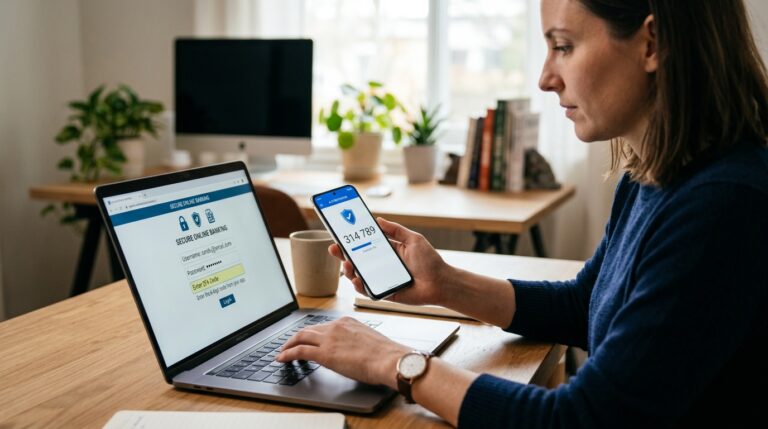
Once you click, you land on a fake login page that looks nearly identical to the real one. You type your credentials. The page either errors out and redirects you to the genuine site, or it just spins. Either way, the attacker now has your password, often in real time through a proxy that also captures your one-time code.
The Main Types You’ll Run Into
Email phishing
The classic. A bulk message with a spoofed sender name, a generic greeting, and a link. Volume is the weapon here.
Spear phishing
A targeted version aimed at one person or team. Attackers research your LinkedIn, your company’s press releases, and your boss’s writing style. Google’s Threat Analysis Group has tracked spear-phishing campaigns against journalists and activists that used fake interview requests, complete with a scheduled call and a malicious “prep document.”
Smishing and vishing
Smishing arrives by text, vishing by phone call. A common smishing script claims a package is held up and asks you to pay a small redelivery fee. The FTC has warned about texts posing as toll-road violations, bank fraud alerts, and USPS notices. Vishing often pairs with caller ID spoofing, so the number on screen matches your bank’s real line.
Business email compromise
This one targets money, not logins. The attacker compromises or imitates an executive and emails finance asking for an urgent wire transfer. The FBI puts global BEC losses in the billions of dollars annually. In practice, the tell is a payment request that breaks normal process: new bank details, unusual urgency, or a request to skip a phone call.
Red Flags That Give Phishing Away
No single signal is proof, but two or three together mean you should stop and verify. Here’s what to scan for:
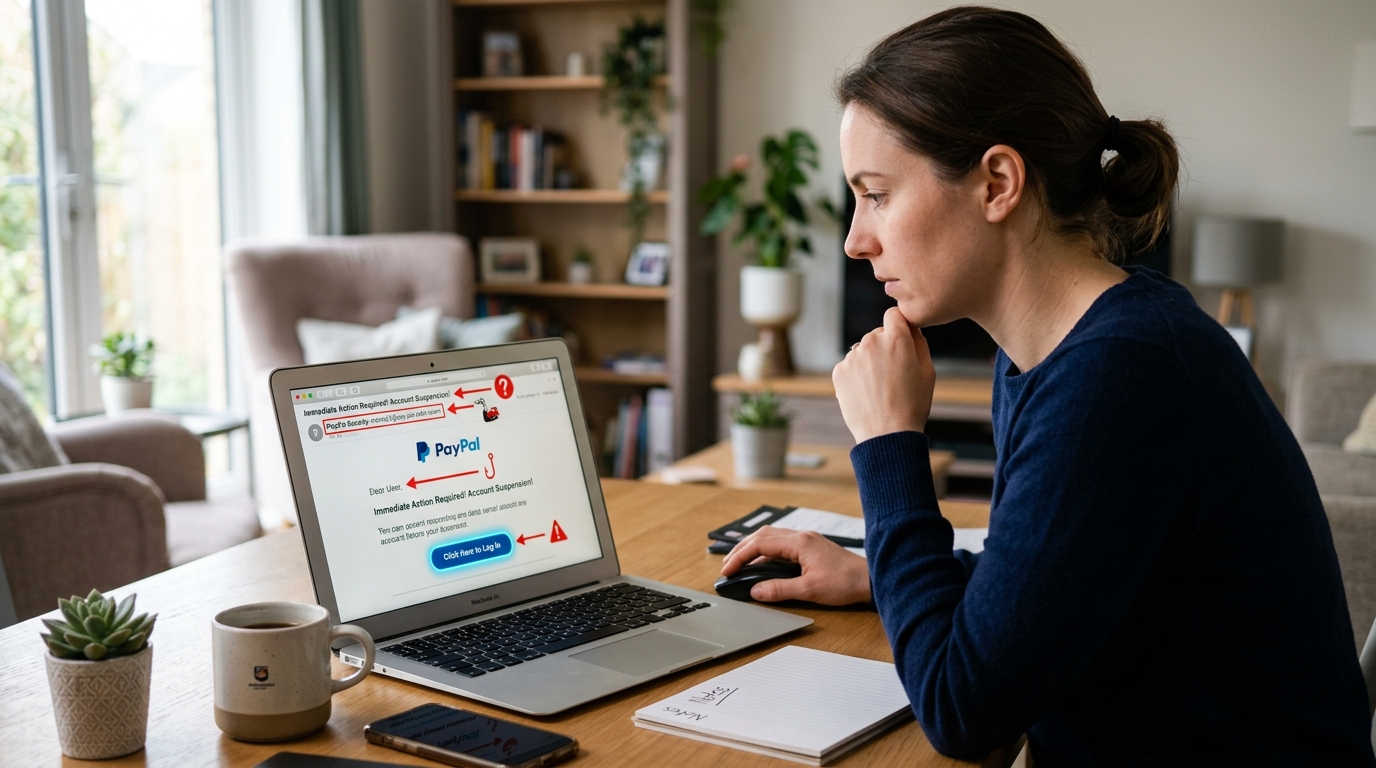
- Mismatched sender address. The display name says “Chase Support” but the actual address is something like [email protected]. Check the full address, not just the name.
- Domain typosquatting. Attackers register domains one character off from the real thing: paypa1.com, rnicrosoft.com, arnazon.com. Read the domain right before the first single slash.
- Urgency and threats. “Your account will be closed in 24 hours.” “Unauthorized login detected, verify now.” Real companies rarely demand instant action by email.
- Generic greetings. “Dear Customer” instead of your name. Your bank knows your name.
- Requests for credentials or codes. Legitimate services never ask you to reply with your password or a one-time passcode. Ever.
- Unexpected attachments. Invoices, shipping labels, and voicemail files you didn’t ask for are common malware carriers.
- Payment detail changes. Any email that quietly swaps a bank account or gift-card request deserves a phone call to a number you already have.
One more flag that gets missed: emotion. Phishing engineers a feeling, usually fear or excitement. If a message makes your pulse jump before you’ve read it twice, that’s the design working on you.
How to Check a Suspicious Message in 60 Seconds
You can verify most suspicious messages without any special tools. Work through this order:
- Hover over the link, don’t click. On desktop, your browser shows the real destination in the corner. On mobile, long-press to preview it.
- Read the destination domain from right to left. The part just before the first slash is what matters. subdomain.bank.com is real; bank.com.secure-login.xyz is not.
- Open the company’s site or app yourself, by typing the address or using a bookmark. Log in there. If there’s a real problem, it will show up in your account, not just in the email.
- Call the number on your card or statement, never the number in the message.
- Report it. Most mail clients have a “Report phishing” button, and forwarding to [email protected] feeds a global anti-phishing clearinghouse.
Google’s own security research found that simply enabling two-step verification blocks the vast majority of automated account takeovers, even when the password is already stolen. Do that today if you haven’t.
What to Do If You Already Clicked
Act fast, because the first hour matters most. If you entered credentials, change that password immediately and anywhere you reused it. Turn on two-factor authentication. If you entered card details, call your bank and freeze the card. If you downloaded an attachment, disconnect the device from Wi-Fi and run a full scan before reconnecting.
Then check for damage: sent items in your email, new forwarding rules, unfamiliar login alerts, and any password reset emails you didn’t request. Attackers often set a hidden forwarding rule so they keep reading your mail after you change your password. And report it, both to your IT team if it’s a work account and to the FTC at ReportFraud.ftc.gov. Reporting helps regulators and security teams trace the campaign.
Why It Still Works
Phishing survives because it exploits trust and habit, not software bugs. Proofpoint’s annual State of the Phish report has found that roughly three-quarters of organizations experienced at least one successful phishing attack in a given year. The lesson isn’t that people are careless. It’s that the messages are engineered to look routine, and routine is what gets us.
Slow down on anything that asks for a login, a payment, or a code. Verify through a channel you chose, not one the message gave you. That single habit defeats the overwhelming majority of attempts.
Conclusion
Phishing is impersonation plus pressure plus a malicious link. Spot it by checking the real sender address, reading the domain before you click, and treating urgency as a warning rather than an instruction. Verify through a channel you picked yourself, and turn on two-factor authentication everywhere you can. Do those things and you’ll sidestep nearly every attempt that lands in your inbox.
Q: What is the simplest way to tell if an email is phishing?
Check the actual sender address, not the display name, and read the link destination by hovering or long-pressing. If the domain doesn’t match the real company exactly, treat it as phishing. Add urgency, a generic greeting, or a request for a password or code, and you have enough reason to delete it without clicking.
Q: Can phishing happen over text messages or phone calls?
Yes. Text-based phishing is called smishing, and phone-based phishing is vishing. Common scams include fake package redelivery fees, toll violation notices, and bank fraud alerts asking you to confirm a transaction. Caller ID can be spoofed to show a real company number, so hang up and call the number printed on your card or statement instead.
Q: I clicked a phishing link but didn’t enter anything. Am I safe?
Usually yes, but not always. Just visiting a page can sometimes trigger a drive-by download, though that’s less common now. Close the tab, run a malware scan, and watch for strange login alerts or password reset emails over the next few days. If you entered credentials, change that password immediately and enable two-factor authentication.
Q: Does two-factor authentication stop phishing completely?
No, but it stops most of it. Standard codes and app prompts block automated credential stuffing and bulk attacks. Advanced phishing kits can proxy a real login page and capture your one-time code live, so a passkey or hardware security key is stronger. Even so, enabling two-factor authentication today dramatically lowers your risk compared to using a password alone.
Q: Where should I report a phishing email?
Use the “Report phishing” button in your mail client first, which trains its filters. Forward the message to [email protected], the Anti-Phishing Working Group’s global clearinghouse. If you lost money or personal data, file a report at ReportFraud.ftc.gov and contact your bank right away to freeze affected accounts.