What Is Two-Factor Authentication (2FA) and Why It Matters
You’ve probably seen the prompt: after entering your password, a site asks for a six-digit code from your phone. That’s two-factor authentication (2FA), and it’s one of the simplest ways to block most account takeovers. In 2023, Microsoft reported that enabling 2FA blocks over 99.9% of automated attacks. Yet adoption remains low: only about 34% of Americans use it on all their accounts, according to a 2022 Pew Research study. If you’re not using it, you’re leaving a wide door open for hackers.
What Exactly Is Two-Factor Authentication?
Two-factor authentication means proving your identity with two different types of credentials. The first is something you know (your password). The second is something you have (like your phone) or something you are (like your fingerprint). By combining two factors, you make it much harder for someone else to log in as you.
It’s not just about adding a second password. The factors must come from different categories. A password plus a security question is still just two things you know, so it’s not true 2FA. True 2FA requires a second factor that an attacker can’t easily guess or steal.
The Three Authentication Factors
Security experts break authentication into three types:
- Something you know: password, PIN, or passphrase.
- Something you have: smartphone, hardware token, or smart card.
- Something you are: fingerprint, face ID, or voice recognition.
2FA uses any two of these. Most commonly, it’s a password plus a code from your phone.
How 2FA Works in Practice
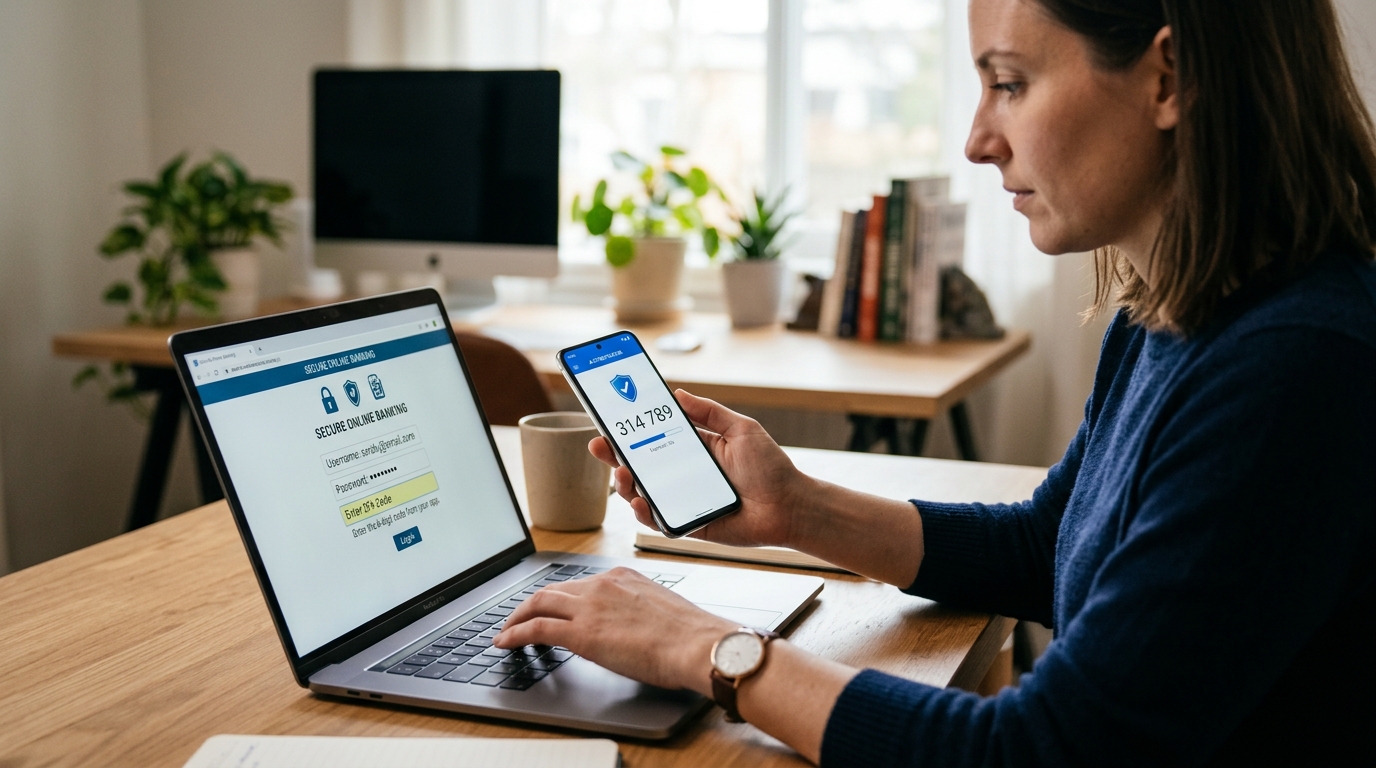
When you log in, you enter your username and password. The system then asks for a second proof. That could be a code sent via SMS, a rotating code from an authenticator app, or a tap on a hardware key. Once both are verified, you’re in.
In practice, this stops most attacks cold. If a hacker steals your password from a data breach, they still can’t get in without the second factor. That’s why Google’s 2019 study found that on-device prompts prevented 99% of bulk phishing attacks, and security keys blocked 100% of automated bots.
Common 2FA Methods
Not all 2FA is equal. Here are the main types, ranked roughly from least to most secure:
- SMS codes: A text message with a six-digit code. Convenient but vulnerable to SIM-swapping and interception.
- Authenticator apps: Apps like Google Authenticator or Authy generate time-based codes. They work offline and are much harder to intercept.
- Push notifications: You get a prompt on your phone to approve or deny. It’s easy, but beware of MFA fatigue attacks where hackers spam you until you accidentally approve.
- Hardware security keys: Physical devices like YubiKey that you plug in or tap. These are the gold standard, used by Google and the U.S. government.
- Biometrics: Fingerprint or face scan. Often used as a second factor on phones.
For most people, an authenticator app offers a good balance of security and convenience. If you’re protecting sensitive accounts like email or banking, a hardware key is worth the $20 to $50 investment.
Why 2FA Matters More Than Ever
Data breaches are rampant. In 2023, the Verizon Data Breach Investigations Report found that 86% of basic web application attacks involve stolen credentials. Passwords alone are no longer enough. They get reused, phished, or leaked.
2FA adds a critical layer. Even if your password is compromised, the attacker hits a wall. This is especially important for your primary email account. Once a hacker controls your email, they can reset passwords for all your other accounts. A 2022 study from the University of Michigan found that 2FA on email accounts could prevent 94% of account takeovers.
The Cost of Not Using 2FA
Account takeovers aren’t just annoying. They can cost you money, reputation, and time. The FBI’s Internet Crime Complaint Center (IC3) reported $10.3 billion in losses from cybercrime in 2022. A significant portion involved compromised accounts. Businesses feel it too: IBM’s 2023 Cost of a Data Breach Report put the average breach at $4.45 million. Many of these breaches start with a single stolen password.
For individuals, the risks include identity theft, financial loss, and lost access to photos and documents. For businesses, it’s regulatory fines, downtime, and customer trust. 2FA isn’t a silver bullet, but it’s the cheapest, most effective security upgrade you can make.
How to Set Up 2FA on Your Accounts
Enabling 2FA usually takes less than five minutes. Here’s a general process:
- Go to your account’s security settings.
- Look for “Two-factor authentication” or “Two-step verification.”
- Choose your method (app, SMS, or hardware key).
- Follow the prompts to link your device.
- Save your backup codes in a safe place.
Most major platforms support 2FA: Google, Microsoft, Apple, Facebook, and banking apps. If a service doesn’t offer it, consider whether you really need that account.
Which Accounts Need 2FA First?
Prioritize these accounts, in order:
- Email: Your email is the master key to your digital life.
- Banking and financial apps: Direct access to your money.
- Social media: Hackers can impersonate you and scam your friends.
- Cloud storage: Your personal files and photos.
- Work accounts: Protect your company and your job.
Once you’ve secured these, add 2FA to any other account that holds sensitive data.
Common Myths and Mistakes
There’s a lot of misinformation about 2FA. Let’s clear up a few points.
Myth: 2FA Is Unhackable
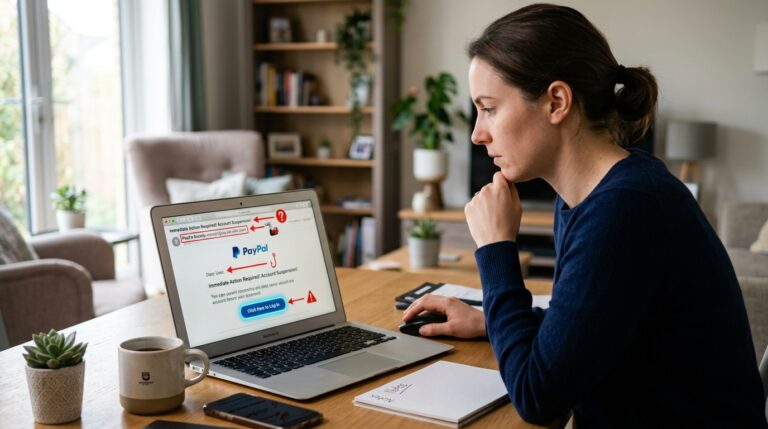
No security measure is perfect. Hackers can bypass SMS 2FA through SIM-swapping, where they convince your carrier to transfer your number to their SIM. They can also use phishing sites that steal both your password and your 2FA code in real time. That’s why hardware keys and authenticator apps are safer.
Myth: 2FA Is Too Complicated
Setting up 2FA takes minutes, and the extra step at login is minor. Many services let you “remember this device” to reduce prompts. The slight inconvenience is far outweighed by the protection.
Mistake: Not Backing Up Recovery Codes
If you lose your phone and don’t have backup codes, you could get locked out. Always store your backup codes somewhere safe, like a password manager or a printed copy in a locked drawer.
Conclusion
Two-factor authentication is a simple, powerful way to protect your online life. It blocks the vast majority of automated attacks and gives you peace of mind. Start with your email and banking accounts, use an authenticator app or hardware key when possible, and always save your backup codes. In a world where passwords are constantly under attack, 2FA is your best defense.
Q: Is two-factor authentication really necessary?
Yes. Passwords alone are easily stolen or guessed. 2FA blocks over 99% of automated attacks, according to Microsoft. Even if your password is compromised, an attacker can’t access your account without the second factor. It’s one of the simplest and most effective security measures you can take.
Q: What’s the safest type of 2FA?
Hardware security keys, like YubiKey, are the most secure. They’re resistant to phishing and can’t be intercepted remotely. Authenticator apps are a close second. SMS codes are better than nothing but vulnerable to SIM-swapping. For critical accounts, use a hardware key if possible.
Q: Can 2FA be hacked?
Yes, but it’s much harder. Attackers use methods like SIM-swapping for SMS codes, real-time phishing to steal codes, or MFA fatigue to get you to approve a fake push notification. Using an authenticator app or hardware key greatly reduces these risks. No system is 100% foolproof, but 2FA raises the bar significantly.
Q: What if I lose my phone with my 2FA app?
You’ll need your backup codes to regain access. When you set up 2FA, most services provide a list of one-time recovery codes. Store them somewhere safe, like a password manager or a printed copy. If you don’t have them, you may have to contact support and prove your identity, which can be a lengthy process.
Q: Does 2FA slow down my login?
It adds a few seconds, but many services let you remember trusted devices so you don’t have to enter a code every time. The extra step is a small price for significantly better security. You can also use push notifications or biometrics to make it faster.