
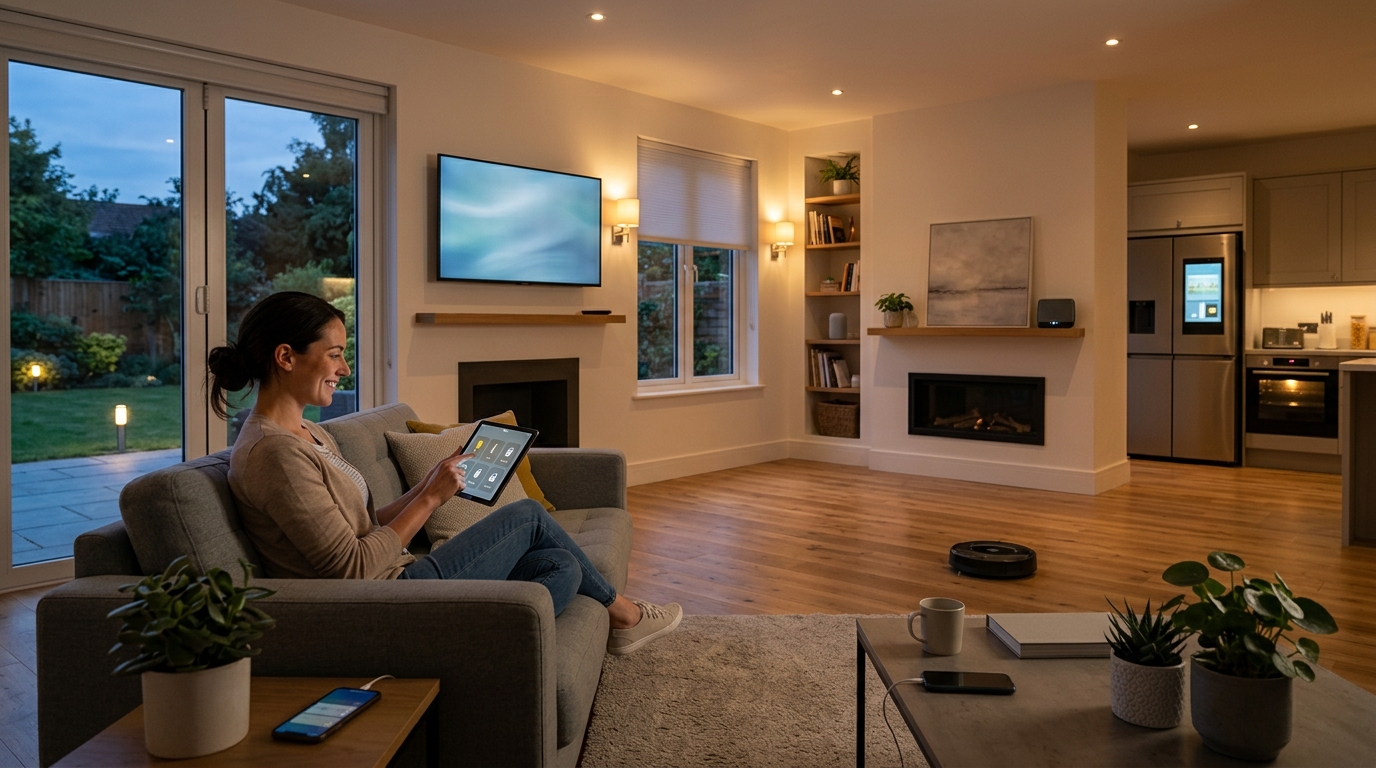
What Is a Smart Home? What It Can Actually Do
You’ve probably heard the term ‘smart home’ tossed around like confetti at a parade. But what does it actually mean? In short, a smart home is a residence where everyday devices, lights, thermostats, locks, cameras, and appliances, connect to your Wi-Fi network and can be controlled remotely via a smartphone app or voice assistant. That’s the core. But the real magic happens when these devices talk to each other and automate your daily routines.
Take my neighbor Dave. He installed a $25 smart plug on his coffee maker. Now, at 6:30 a.m., his kitchen lights fade on, the thermostat bumps up two degrees, and his coffee starts brewing. He didn’t win the lottery. He just spent a Saturday afternoon setting up a few gadgets. That’s a smart home in action. It’s not about living in a sci-fi movie. It’s about small conveniences that add up.
What Exactly Makes a Home ‘Smart’?
At its foundation, a smart home relies on three things: devices with network connectivity, a hub or app to control them, and some level of automation. You don’t need a degree in computer science. Most systems today are designed for regular people.
According to a 2023 Statista report, the average U.S. household now has 12 connected devices. That’s up from just 5 in 2015. The growth isn’t slowing down. By 2027, analysts predict the global smart home market will hit $200 billion. So this isn’t a niche hobby anymore. It’s mainstream.
In practice, you’ll interact with your smart home through three main channels:
- Smartphone apps: Each brand has its own app, though many now work with platforms like Apple Home, Google Home, or Amazon Alexa.
- Voice assistants: Amazon Echo and Google Nest speakers let you say, ‘Hey Google, turn off the living room lights.’
- Automations: These are rules you set, like ‘If the front door unlocks, turn on the hallway light.’
That last one is where things get interesting. Without automations, you’re just using a fancy remote control. With them, your home starts to anticipate your needs.
What Can a Smart Home Actually Do?
Let’s cut through the hype. Here are the real, practical things a smart home can do today, backed by products you can buy right now.
1. Control Lighting Without Getting Up
Smart bulbs from Philips Hue or Wyze cost as little as $10 each. You can dim them, change colors, and schedule them to mimic your presence when you’re on vacation. A 2022 study by the University of Michigan found that homes with smart lighting reduced their energy use by 12% on average. That’s not huge, but it’s free money after the initial cost.
2. Manage Your Thermostat for Real Savings
The Nest Learning Thermostat and Ecobee SmartThermostat are the big names here. They learn your schedule and adjust temperatures automatically. The U.S. Department of Energy estimates you can save about 10% on heating and cooling bills by turning your thermostat back 7 to 10 degrees for 8 hours a day. A smart thermostat does that for you without you thinking about it.
3. Secure Your Home from Anywhere
Smart locks like August Wi-Fi Smart Lock let you give temporary access to a dog walker or contractor. Video doorbells like Ring or Arlo show you who’s at the door, even if you’re 3,000 miles away. And smart security cameras can distinguish between a person, a car, and a raccoon. That last one matters if you live near woods. I’ve seen too many false alerts from swaying tree branches.
4. Automate Small, Annoying Tasks
Smart plugs turn any dumb appliance into a smart one. Plug your iron into a smart plug, and you can check if you left it on. Plug your holiday lights in, and set a schedule. You can also connect a smart plug to a coffee maker or a space heater. Just don’t overload a cheap plug with a high-wattage device. Check the rating.
5. Monitor Energy Use and Water Leaks
Devices like Sense Home Energy Monitor track your electricity usage in real time. It can tell you that your old fridge is gulping 20% more power than it should. Smart water sensors from Moen or Flo by Moen can shut off your water main if they detect a leak. That’s a $500 device that can save you $10,000 in flood damage. In practice, it’s one of the most underrated smart home purchases.
The Hidden Costs and Headaches
Smart homes aren’t all sunshine and voice commands. There are real drawbacks. First, compatibility. Not every device works with every platform. A Z-Wave lock won’t talk to a Wi-Fi-only hub. You’ll need to check before you buy. Second, privacy. Your smart speaker is always listening for a wake word. Amazon and Google have both faced lawsuits over voice recordings. If that bothers you, you can mute the microphone with a physical button. Third, cost. A full setup can run $1,000 to $3,000. Start small.
Another headache: Wi-Fi congestion. If you have 30 connected devices, your router might choke. A mesh Wi-Fi system like Google Nest Wifi or Eero can help. Or you can use a separate hub like SmartThings that uses Zigbee and Z-Wave, which don’t compete with your Wi-Fi.
How to Start Your Smart Home Without Wasting Money
Don’t buy everything at once. That’s the fastest way to end up with a drawer full of gadgets that don’t work together. Here’s a sensible order:
- Pick your platform first. If you have an iPhone, Apple Home is solid. If you use Android, Google Home is natural. If you want the most device support, Amazon Alexa wins.
- Start with a smart speaker. An Echo Dot costs $50. It’s your voice control hub.
- Add smart plugs and bulbs. These are cheap and instantly useful.
- Upgrade your thermostat. This pays for itself in energy savings.
- Add security last. Cameras and locks are more expensive and require more setup.
In practice, you can build a useful smart home for under $200. My first setup was an Echo Dot, two smart plugs, and a Wyze bulb. Total: $90. It controlled my lamp, my coffee maker, and my bedroom light. That was enough to convince me.
What’s Next for Smart Homes?
The next big shift is Matter, a new standard backed by Apple, Google, and Amazon. Matter promises to make all smart devices work together, regardless of brand. It’s slowly rolling out in 2024 and 2025. If you’re buying new devices, look for the Matter logo. It’ll save you headaches later.
Also, AI is creeping in. Google’s Nest cameras now use AI to describe what they see: ‘A person walking a dog.’ Amazon’s Alexa can guess what you want based on past behavior. These features are hit or miss right now. But they’ll improve.
The bottom line: a smart home isn’t about having the most gadgets. It’s about making your day a little smoother. Start small. Add one thing at a time. And don’t worry about keeping up with the Joneses. They’re probably still trying to get their smart lock to connect to Wi-Fi.
Conclusion
A smart home connects your devices to the internet so you can control them remotely and automate routines. It can save energy, improve security, and handle annoying tasks. But it’s not magic. You’ll deal with compatibility issues, privacy trade-offs, and upfront costs. Start with a smart speaker and a couple of plugs. Build from there. In a month, you’ll wonder how you ever lived without it.
Q: Do I need a hub for a smart home?
Not always. Many devices connect directly to Wi-Fi and work through an app. But a hub like Samsung SmartThings or Amazon Echo can unify devices from different brands. If you plan to mix Zigbee, Z-Wave, and Wi-Fi devices, a hub makes life easier. For a basic setup with a few Wi-Fi plugs and bulbs, you can skip it.
Q: Is a smart home worth the money?
It depends on what you value. A smart thermostat can save you 10% on energy bills, paying for itself in a year or two. Smart security can lower insurance premiums. But if you just want voice-controlled lights, the convenience might be worth $50 to $100. Start small and see if it improves your daily routine.
Q: Can I build a smart home without Alexa or Google?
Yes. Apple HomeKit works with Siri and offers strong privacy protections. You can also use open-source platforms like Home Assistant, which runs on a Raspberry Pi. It requires more technical skill but gives you full control. Some people prefer local control with no cloud dependency, which Home Assistant supports well.
Q: What’s the biggest mistake people make with smart homes?
Buying devices from different brands without checking compatibility. You end up with five apps and no automation. Pick one platform first, then buy devices that work with it. Also, don’t overload your Wi-Fi. If you have more than 20 devices, consider a mesh router or a dedicated hub. That one step prevents a lot of frustration.
Q: Are smart homes secure?
They can be, but you need to take basic steps. Use strong, unique passwords. Enable two-factor authentication on your accounts. Keep firmware updated. Avoid cheap, no-name cameras that send data to unknown servers. Big brands like Ring, Nest, and Philips Hue have had issues, but they patch them. The risk is real but manageable with common sense.